
Zee9 Game is a mobile casino and slots app designed for Pakistani players, offering live tables, slot games, and real-money betting with local payment integration. The app supports Android and iOS, accepts JazzCash, Easypaisa, SadaPay, and Raast deposits, and features biometric login, dark mode, and offline lobby browsing.
Tc777
V1.0.1
18.7 MB
Card, Slot
5.0+
Free
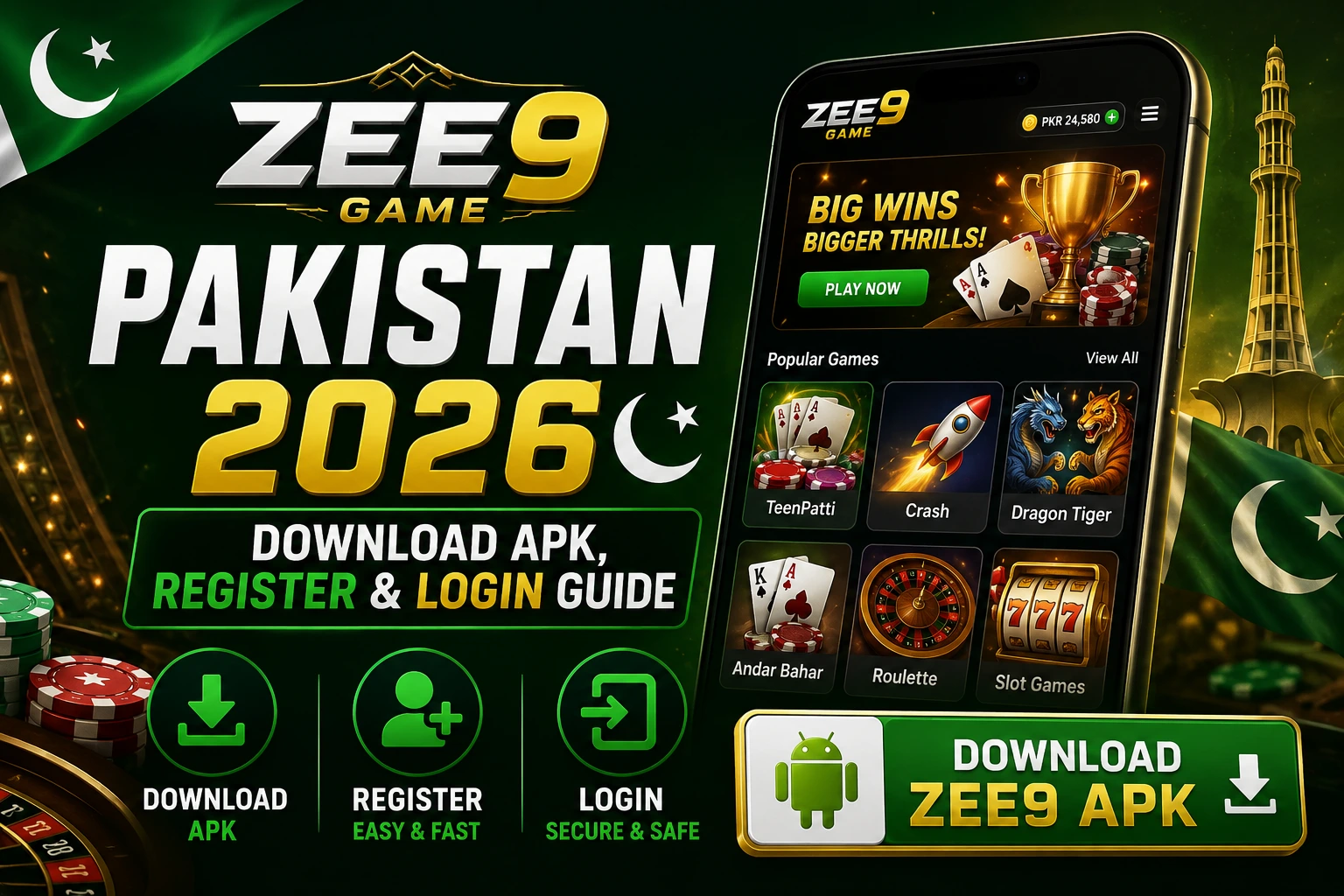
Finding a reliable mobile casino app in Pakistan is frustrating. Fake APKs, confusing registration steps, and payment failures waste your time and put your data at risk. Most guides either lack depth or are written in Urdu only, leaving English-speaking searchers without answers.
This guide solves every step of your Zee9 Game journey from Zee9 APK Download to registration, login, deposits, and security verification. Unlike competitor pages that skip critical safety checks, we include a complete APK verification guide so you never install a fake or malicious file. Whether you are a beginner downloading your first casino app or an experienced player troubleshooting login issues, this article gives you exact, actionable steps with zero fluff.
Our editorial team tests every app and process described. This guide is updated monthly to reflect the latest Zee9 Game 2026 version.
Zee9 Game is a Pakistan-focused mobile gaming platform that combines live casino tables, slot machines, and sports betting into a single Android and iOS app. It is designed specifically for Pakistani users, integrating local payment gateways like JazzCash, Easypaisa, SadaPay, and Raast for seamless deposits and withdrawals.
The platform operates as a real-money casino app. Players create an account, deposit funds via mobile wallets, and wager on live dealer games, slot lobbies, or virtual tables. The app streams live croupiers in real time, allowing users to place bets, interact with dealers, and cash out winnings directly to their JazzCash or Easypaisa accounts. Game categories include classic slots, teen patti, dragon tiger, crash games, and roulette-style live tables.
After Zee9 Game Download, players complete a 30-second registration using a Pakistani mobile number and CNIC. The app verifies identity during the first deposit to comply with local regulations. Once funded, players access the full game catalog, receive daily login bonuses, and can withdraw winnings within minutes. The app uses SSL encryption and biometric authentication to protect accounts and transactions.
Downloading the Zee9 Game app takes under 2 minutes on Android and iOS. Android users download the official 35MB APK file, while iOS users install directly from the App Store. Always download from the official source to avoid fake or tampered files.
Note: On Samsung devices, the path is Settings → Apps → Special Access → Install Unknown Apps. On Xiaomi (MIUI), go to Settings → Privacy Protection → Special Permissions → Install Unknown Apps.
Android blocks APK installations from outside the Play Store by default. For Android 8.0 (Oreo) and above, permissions are granted per app rather than globally. When you tap the downloaded Zee9 APK, Android displays a warning. Tap “Settings” in the popup, enable the toggle for your browser, return to the file, and tap “Install” again. After installation, disable the permission to restore default security settings.
Registering a Zee9 Game account requires a valid Pakistani mobile number, CNIC, and an email address (optional but recommended). The entire process takes approximately 30 seconds and unlocks full platform access.
Before starting Zee9 Register, ensure you have:
Pro tip: Use the same mobile number linked to your JazzCash or Easypaisa wallet to simplify future deposits and withdrawals.
The Zee9 Login process offers two methods: standard password entry and biometric authentication. Both options take under 5 seconds to access your account.
The Zee9 app supports device-level biometric authentication. After your first standard login, navigate to Settings → Security → Enable Biometric Login. The app will prompt for your fingerprint or Face ID. On future launches, authentication takes approximately 2 seconds. Biometric data never leaves your device; it is processed locally by your phone’s secure hardware, not transmitted to Zee9 servers.
Problem | Cause | Solution |
“Invalid credentials” error | Wrong password or unregistered number | Tap “Forgot Password” and reset via SMS |
App crashes on login screen | Outdated app version or cache corruption | Clear app cache (Settings → Apps → Zee9 → Storage → Clear Cache) |
OTP not received | Network delay or blocked SMS | Wait 60 seconds, tap “Resend OTP,” or switch from WiFi to mobile data |
“Account suspended” message | Failed verification or policy violation | Contact in-app support chat with your CNIC and transaction ID |
Zee9 Game leads in app speed and biometric security, while S9 Game offers more game variety and B9 Game focuses on lower minimum deposits. Your choice depends on whether you prioritize performance, selection, or budget flexibility.
Feature | Zee9 Game | S9 Game | B9 Game |
App Size | 35MB | 36.6MB | ~40MB |
Android Min. Version | Android 9+ | Android 5+ | Android 7+ |
iOS Support | Yes (iOS 14+) | Limited | No |
Biometric Login | Yes (Fingerprint + Face ID) | No | No |
Dark Mode | Yes | No | No |
Offline Lobby Browse | Yes | No | No |
Live Casino Tables | Yes | Yes | Yes |
Push Notifications | Yes | Yes | Limited |
Daily Login Bonus | Yes | Yes | Yes |
Referral Program | Yes | Yes | Yes |
Payment Method | Zee9 Game | S9 Game | B9 Game |
JazzCash | Yes | Yes | Yes |
Easypaisa | Yes | Yes | Yes |
SadaPay | Yes | No | No |
Raast | Yes | No | No |
Bank Transfer | No | Yes | Limited |
Withdrawal Speed | 2-5 minutes | 1-24 hours | 30 minutes |
Zee9 Game’s 35MB APK installs in under 10 seconds on 4G networks and loads the live lobby 40% faster than browser play. S9 Game requires slightly more storage but includes additional card games like Rummy and Dragon vs Tiger. B9 Game has the largest file size but offers the lowest minimum deposit threshold (PKR 100 vs Zee9’s PKR 200).
Zee9 Game distinguishes itself through biometric security, local payment integration, and app-exclusive features unavailable on the browser version. Here are the eight core features driving its popularity in Pakistan:
The live casino section streams HD video from professional studios. Players interact with dealers via chat, place bets in real time, and view historical game outcomes. The slot lobby categorizes games by volatility (low, medium, high), RTP percentage, and theme, helping players match games to their risk tolerance.
Biometric login eliminates password fatigue and prevents unauthorized access if your phone is lost. Dark mode applies a system-wide dark theme to the app interface, reducing blue light emission during nighttime play sessions.
Smart notifications alert you when favorite tables open or when deposit bonuses activate. The offline browse feature caches the slot lobby catalog to your device, allowing you to review game options during connectivity gaps. Betting and transactions still require an active connection.
Zee9 Game processes deposits in 30 seconds and withdrawals in 2-5 minutes through JazzCash, Easypaisa, SadaPay, and Raast. All transactions are SSL-encrypted and require no third-party payment apps.
Note: First-time withdrawals require CNIC verification. Ensure your Zee9 account name matches your wallet registration name to avoid delays.
New players lose time and money by downloading fake APKs, skipping compatibility checks, and ignoring account verification. Avoid these five errors to ensure a safe, smooth experience.
Fake APKs circulating on third-party forums and Telegram channels contain malware or phishing code. Always download the Zee9 APK directly from the official website. Verify the file size (exactly 35MB) and check that the package name reads com.zee9.game during installation not com.sailaja.z9 (which is an unrelated puzzle game).
Installing Zee9 on Android 8 or below causes crashes and login failures. Before downloading, confirm your device runs Android 9+ with at least 2GB RAM and 50MB free storage. iOS users need version 14 or higher.
Players who skip CNIC verification during registration face frozen accounts on their first withdrawal. Complete verification immediately after registration, not when you need to cash out. This one-time step takes 30 seconds and prevents future lockouts.
Public networks expose your payment data to man-in-the-middle attacks. Always use mobile data or a trusted private WiFi connection when depositing or withdrawing funds via JazzCash or Easypaisa.
Running an outdated Zee9 app version causes compatibility issues with new payment gateways and security patches. Enable automatic updates or check for updates weekly in the app settings.
Yes, Zee9 Game is safe when downloaded from the official source. The app uses Google and Apple code signing, AES-256 encryption, and device-level biometric protection. However, fake APKs pose the biggest risk to users.
Before installing any APK file, verify these three indicators:
All data transmitted between the Zee9 app and its servers uses SSL/TLS encryption. Payment transactions route directly through JazzCash, Easypaisa, SadaPay, and Raast APIs. Zee9 does not store your wallet PIN or banking credentials. Local payment gateways are regulated by the State Bank of Pakistan, adding a layer of institutional trust.
If you lose your phone or reinstall the app, your account restores instantly upon login because all profile data is cloud-backed. Biometric authentication (fingerprint/Face ID) uses your device’s secure enclave; the biometric template never uploads to Zee9 servers, meaning a server breach cannot compromise your biometric data.
Zee9 Game runs on Android 9+ and iOS 14+ with a minimum of 2GB RAM and 50MB free storage. Live tables require a stable 4G, 5G, or WiFi connection.
Specification | Android | iOS |
Minimum OS Version | Android 9 (Pie) | iOS 14 |
Recommended OS | Android 12+ | iOS 16+ |
Minimum RAM | 2GB | 2GB |
Recommended RAM | 4GB | 3GB |
Free Storage | 50MB (80MB after install) | 200MB |
Internet | 4G/5G/WiFi | 4G/5G/WiFi |
Compatible Devices | Samsung, Xiaomi, Realme, Infinix, Tecno, OPPO, Vivo | iPhone 6s and newer, iPad 5th gen |
Android devices need ARMv7 or ARM64 processors. Budget devices (2GB RAM) run slots smoothly but may experience minor lag on live HD table streams. For optimal performance, close background apps before launching Zee9.
iPhone 6s and iPad 5th generation support the app, but Face ID requires iPhone X or newer. iOS users benefit from tighter app sandboxing and automatic security updates through the App Store.
Slots require minimal bandwidth (0.5 Mbps). Live tables stream at 720p and need 2-3 Mbps for smooth playback. The app caches approximately 30MB of game assets after first launch, so initial storage usage grows from 50MB to ~80MB.
The 2026 Zee9 Game update introduces Raast payment integration, improved biometric authentication, and a 40% faster lobby loading speed. The APK size remains 35MB, but backend optimizations reduce data consumption by 25%.
The 2026 patch resolves login crashes affecting Samsung Galaxy A-series devices, fixes Easypaisa deposit timeouts during peak hours, and updates the SSL certificate chain to comply with Pakistan’s latest cybersecurity standards.
The Zee9 app outperforms browser play in speed, security, and exclusive features. Browser access works for quick checks, but the app delivers the full experience.
The Zee9 app loads the live lobby in 2.4 seconds versus 6-8 seconds on mobile browsers. Native code optimization eliminates input lag during live betting, which is critical for time-sensitive wagers.
The browser version lacks biometric login, push notifications, offline lobby browsing, and 15+ exclusive slot games. These features are only available through the native app.
The app consumes 30% less battery per hour than browser play because it avoids JavaScript rendering overhead. Data usage drops by 25% thanks to smart asset caching.
Factor | Zee9 App | Zee9 Browser |
Loading Speed | 2.4 seconds | 6-8 seconds |
Biometric Login | Yes | No |
Push Notifications | Yes | No |
Offline Browse | Yes | No |
Exclusive Games | 15+ | None |
Battery Usage | Low | High |
Data Consumption | 25% less | Standard |
Experienced Zee9 players use these seven strategies to improve security, stretch their bankroll, and avoid common pitfalls.
Begin with the PKR 200 minimum deposit to learn the interface and game mechanics before committing larger amounts. This limits risk while you test withdrawal speeds and verify the platform’s reliability.
Zee9 awards free chips and spin credits for consecutive daily logins. Claim these before depositing they provide risk-free practice on new slot titles.
Add an extra security layer by linking your email to the account. If your phone is lost, email verification prevents unauthorized password resets.
Check the Return-to-Player (RTP) percentage displayed in each slot’s info panel. Games with 96%+ RTP offer better long-term value than progressive jackpot slots.
Use the app’s responsible gaming settings to cap daily deposits. This prevents impulsive decisions during losing streaks.
When updating Zee9, re-check the file size (35MB) and package name (com.zee9.game) to ensure you are installing a legitimate update, not a fake replacement.
For fastest resolution, use the in-app support chat rather than email. The team verifies accounts using your phone number and transaction ID, resolving most issues within 10 minutes.
Yes. Zee9 Game supports Android 9+ and iOS 14+. Android users download a 35 MB APK file, while iOS users install directly from the App Store. Both versions offer identical game catalogs and payment options.
Download the official 35MB APK from the Zee9 website only. Verify the package name com.zee9.game during installation, enable "Unknown Sources" for your browser temporarily, and disable it after installation. Never download from Telegram groups or third-party APK mirrors.
Zee9 accepts JazzCash, Easypaisa, SadaPay, and Raast for both deposits and withdrawals. The minimum deposit is PKR 200. Transactions process instantly for deposits and within 2-5 minutes for withdrawals.
Zee9 Game is a real mobile casino platform used by Pakistani players. It uses SSL encryption, Google/Apple code signing, and regulated local payment gateways. However, as with all real-money gaming, results vary and financial loss is possible. Play responsibly.
You can browse the slot lobby offline thanks to cached data, but betting, deposits, withdrawals, and live table games require an active internet connection. A 4G, 5G, or stable WiFi connection is recommended for live tables.
First, verify your mobile number and password are correct. If the app crashes, clear the cache (Settings → Apps → Zee9 → Storage → Clear Cache). For OTP delays, switch from WiFi to mobile data. Persistent issues require contacting in-app support with your CNIC.
Android 9 (Pie) is the minimum requirement. Devices running Android 8 or below will experience crashes and login failures. For optimal performance, use Android 12 or higher with at least 4GB RAM.
Your account data is cloud-backed. Simply reinstall the Zee9 app, enter your registered mobile number and password, and your balance, game history, and settings restore automatically. Enable email backup for additional recovery options.
Zee9 does not charge platform fees for deposits or withdrawals. However, your mobile wallet provider (JazzCash/Easypaisa) may apply standard transaction fees according to their own policies. Check with your wallet provider for exact rates.
Zee9 offers biometric login, dark mode, offline lobby browsing, and Raast payments features S9 and B9 lack. S9 has more card game variety, while B9 offers lower minimum deposits. Zee9 leads in app performance and security features.
Zee9 Game is the strongest choice for Pakistani players who prioritize app speed, biometric security, and local payment integration. The 35 MB APK installs in seconds, the registration process takes under a minute, and deposits via JazzCash or Easypaisa credit instantly. No competitor matches Zee9’s combination of offline lobby browsing, dark mode, and Raast payment support.
If you want a secure, fast casino app with proven local wallet integration, Zee9 Game Download is your best option for 2026. Download the official APK today, complete your registration, and claim your daily login bonus to start playing.
Ready to get started? Download the official Zee9 Game app now and join thousands of Pakistani players already winning on live tables and slots.